
SolutionsDoctor's office software: booking and patient follow-up
The phone keeps ringing, the diary stays in order
Clinic Offerly brings your practice a booking page, e-mail reminders and patient follow-up together: patients book themselves, get reminded, and when a check-up is due you get a task. The doctor and the assistant see the same calendar, each with their own account.
- An online booking page
- E-mail reminders
- Follow-up check-ins
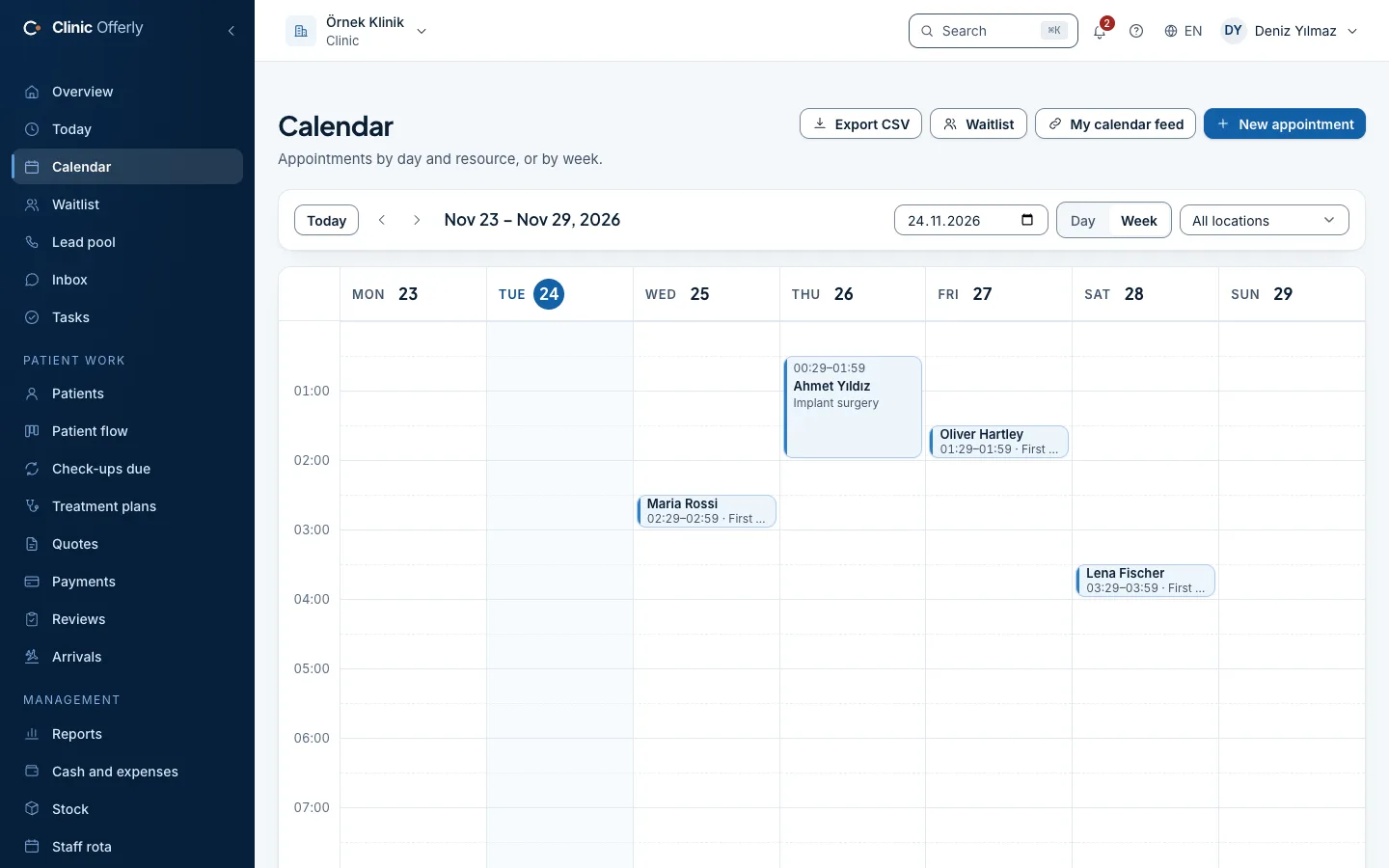
A day in a private practice
How it usually goes
- The phone rings through consultations.
- A patient forgets the appointment and the slot is lost.
- The follow-up visit is never booked.
- Patient details are split between a diary, a phone and a spreadsheet.
With Clinic Offerly
- Patients book themselves, day or night.
- Reminder e-mails go out on their own.
- When a check-up is due, you get a task.
- Contact details, consents and visit history on one card.
Evening
Patients book while you are with a patient
Your booking page shows your appointment types, you with your title, and the free times. The patient picks one; it is confirmed at once or waits for your approval.
- A booking widget for your website
- You choose the notice period
- No prices or reviews shown
Assistant
Everything about the caller on one card
Your assistant sees the patient's number, consents, appointments and no-show count on the contact, and calls or messages on WhatsApp in one tap.
- Import your spreadsheet as CSV
- Duplicate records are caught
- The assistant sees only their job
Weeks later
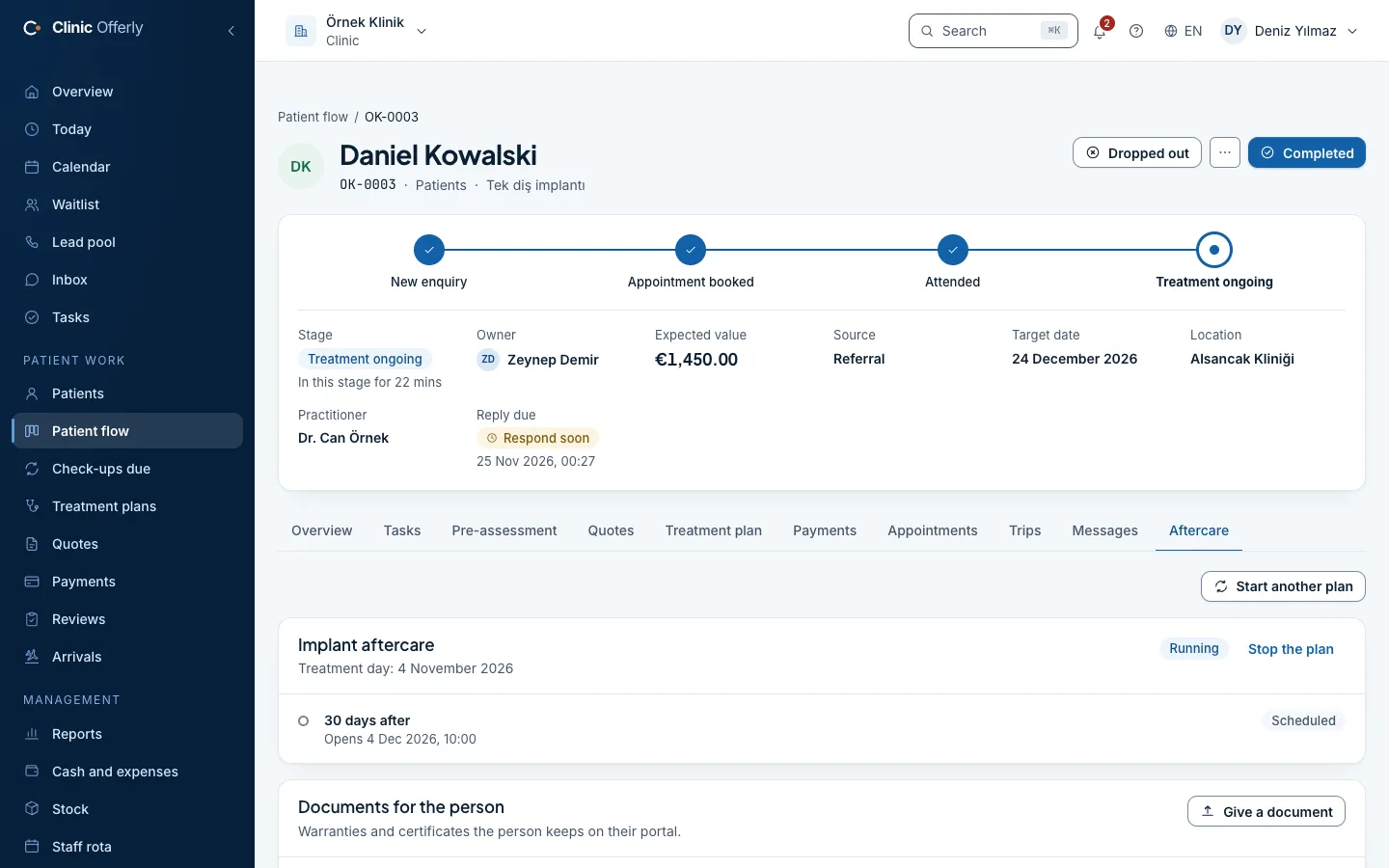
Check-up days are not forgotten
After treatment the follow-up plan runs on its own: on check-in day the patient gets an e-mail and you a task. The patient says how they are on the portal and can add photos.
- Check-ins such as day 1, 7 and 30
- A call request becomes a task
- Care instructions on the portal
What the patient sees
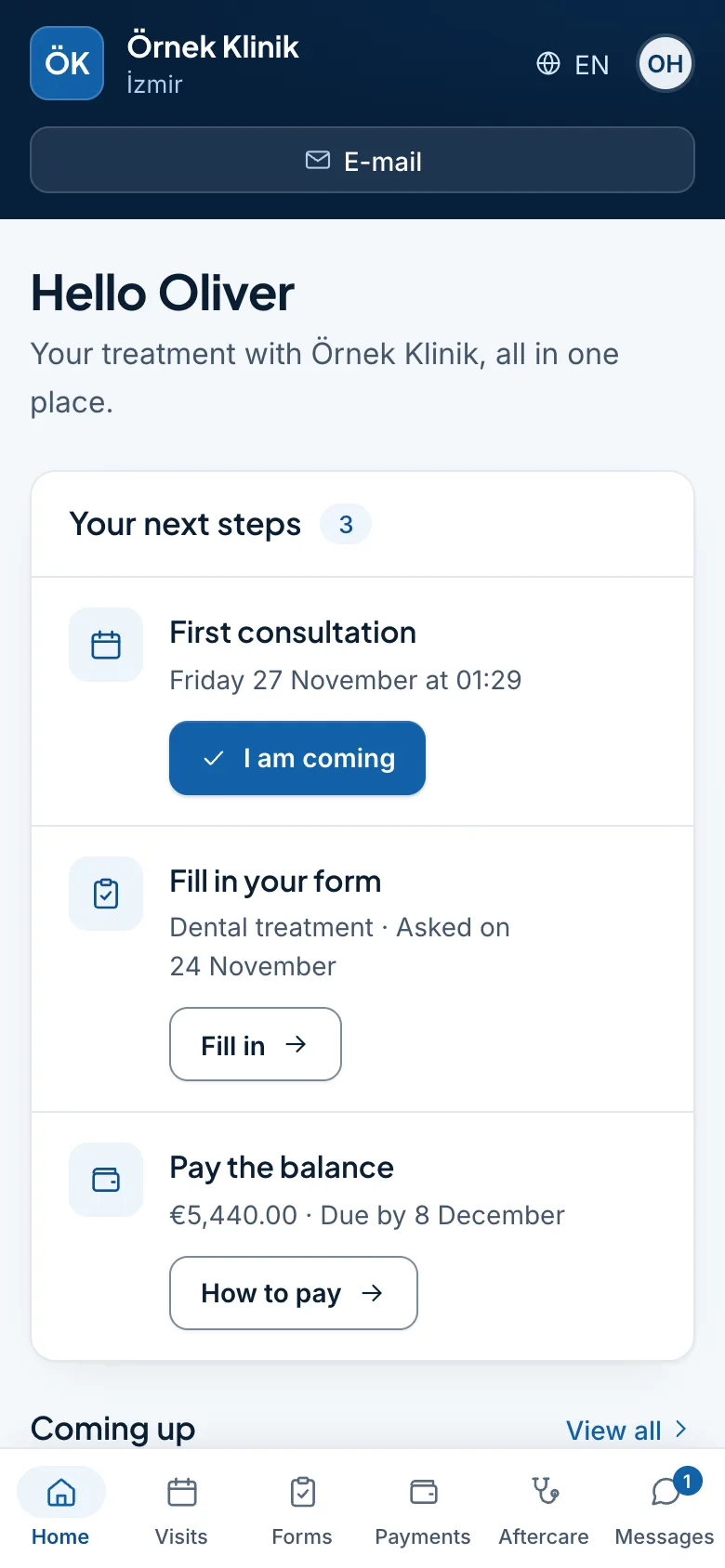
Patients confirm in one tap
The link in the reminder takes the patient to the portal, where their next step is on the first screen; they confirm, or cancel up to the time you allow. A cancelled time frees up again.
- No password
- Your practice's name and address
- Call, WhatsApp and e-mail buttons
What your practice gets
- Calendar feedYour appointments, one way, in Google, Apple or Outlook.
How your first day goes
Choose private practice
Pick private practice as the workspace's kind and tick your specialty.
The calendar is ready
A location with opening hours, you as practitioner and a 30-minute consultation come set up.
Share the booking page
Add the link to your website, Google profile and messages, and invite your assistant.
Does it replace my practice software?
Clinic Offerly keeps no clinical notes, diagnoses or prescriptions; keep your system for those. It runs bookings, reminders, patient contact and follow-up.
Do reminders go by SMS?
Up to three per appointment, in the patient's language, by e-mail by default. If you want, connect your own SMS or WhatsApp account; your provider bills the messages to you.
Does the booking page show prices or reviews?
No. It shows your practice's name, appointment types, you with your title and the free times.
What does my assistant see?
The front desk role sees contacts, the calendar and appointments, not quote costs or payments.
Can I use it on my phone?
Yes. Clinic Offerly runs in the browser and can be added to your phone as an app, so you see the calendar between patients.
Related reading
Free tools
30-day free trial
Try Clinic Offerly with your own team
Every feature is open for 30 days, and no card is needed to start.